


Pixel effects
A retro color palette or a blocky photo mosaic. Pick the effect you need.
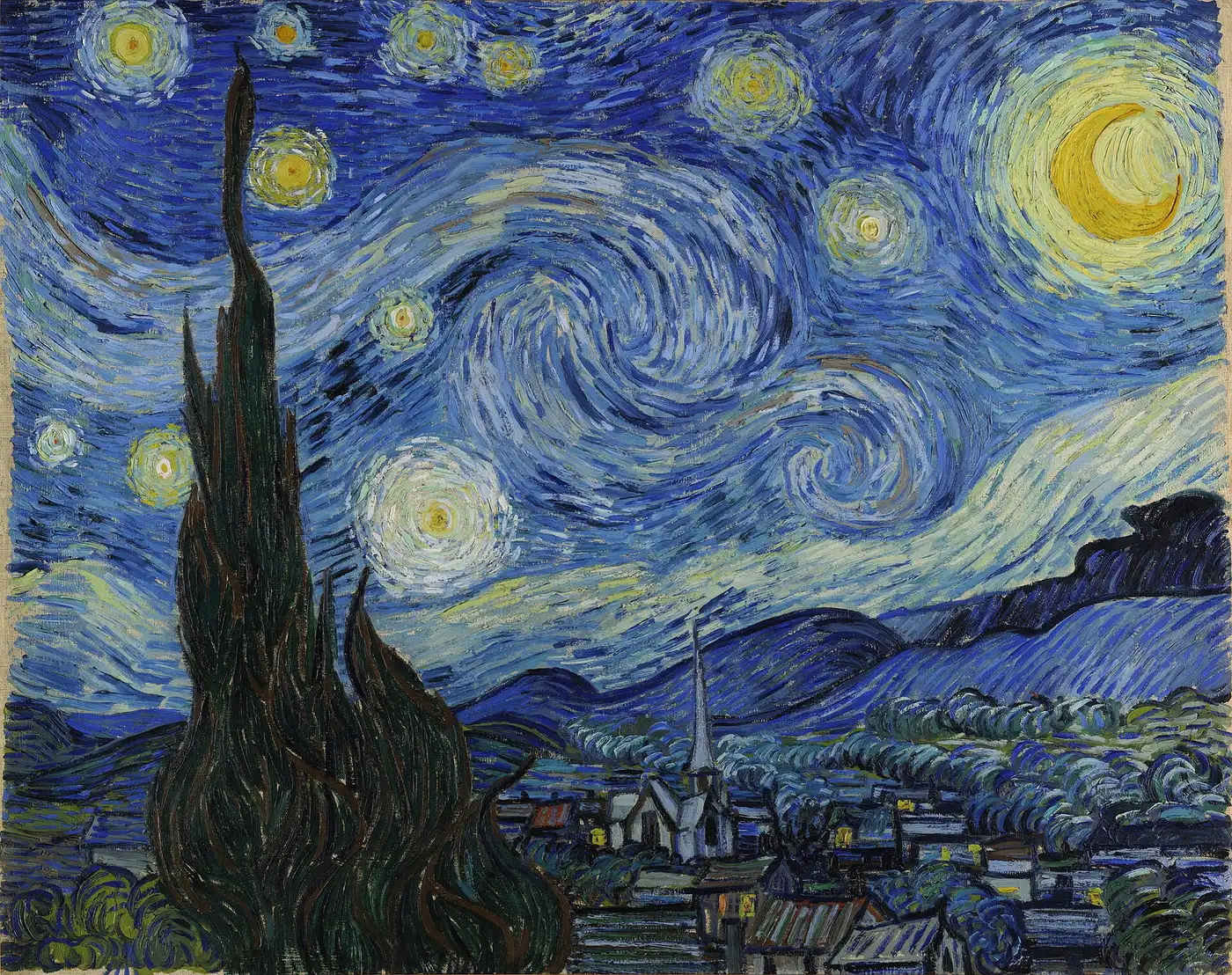
Drop in a photo, pick what you need, download the result. Everything runs on your own device: free, no account, no upload.
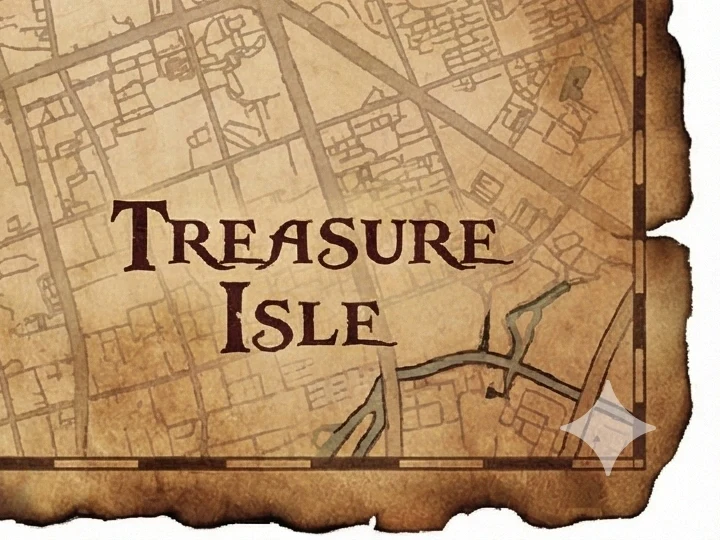
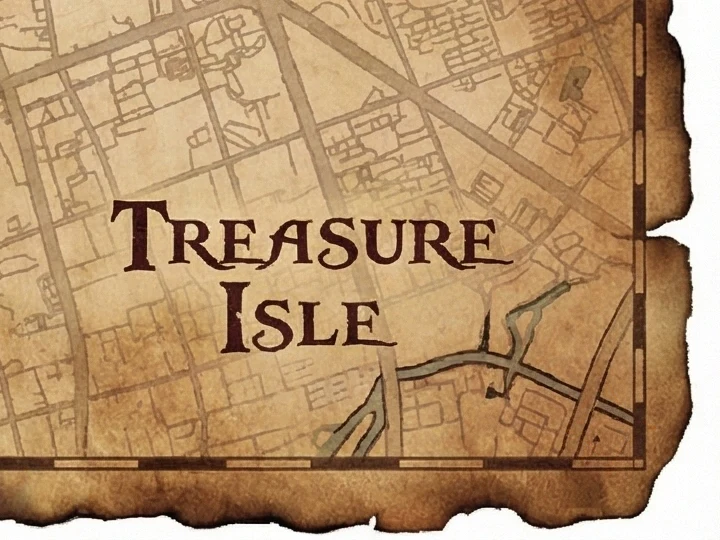
Every example below was made with a tool on this site, from public-domain art. Tap one to try it on your own photo.
All toolsPick a tool, drop an image, download the result. No queue, no credits, no watermark added.
 Popular
Turn a picture or photo into pixel art, with a true-size sprite export.

Apply a mosaic to a whole image or a selected rectangle.
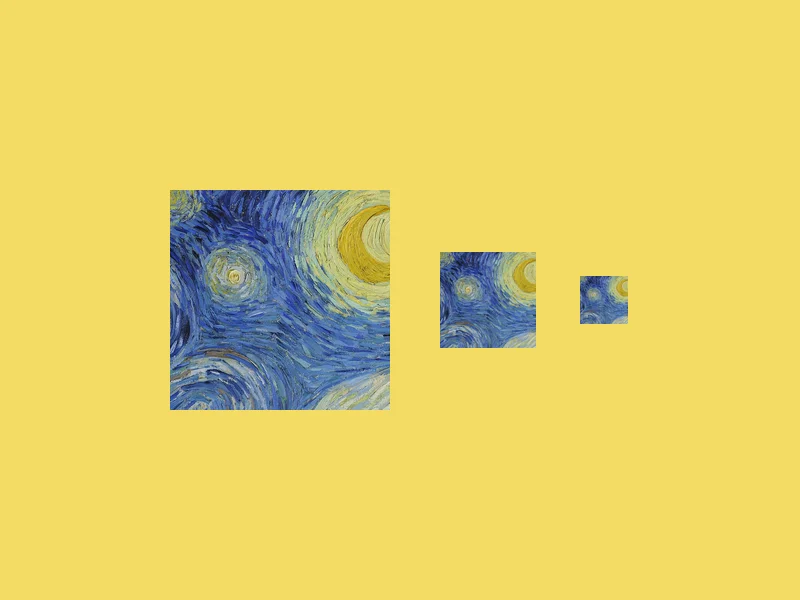
Convert an image into a multi-size .ico file, from 16 to 256 px.
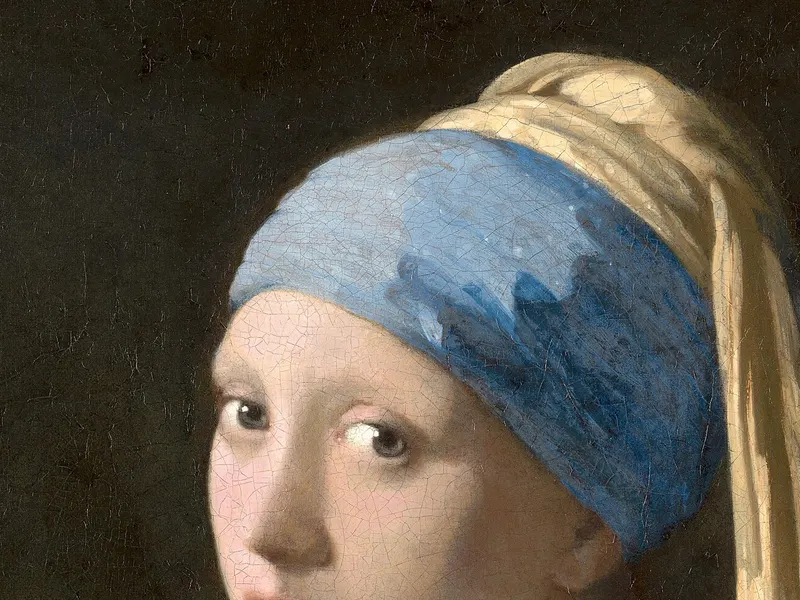
Get a photo under a file-size limit for an online form.
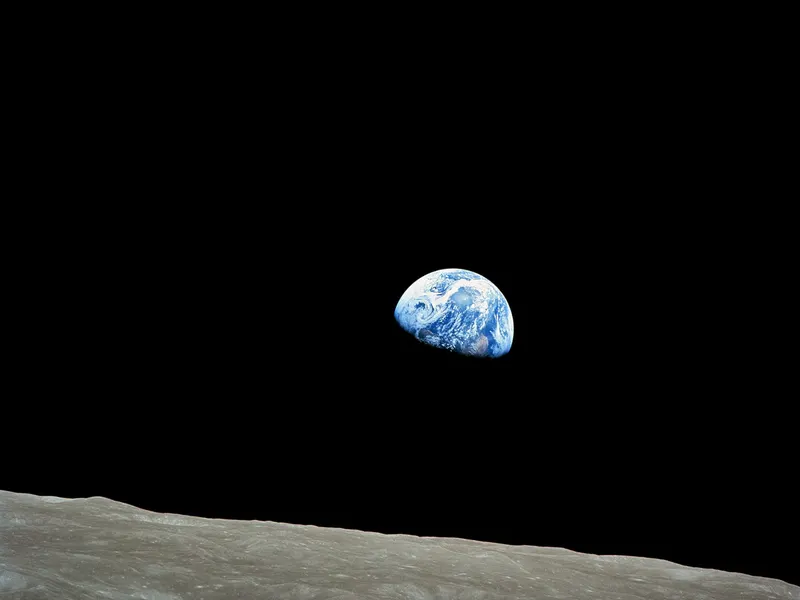
Shrink JPG, PNG and WebP files with a quality slider.
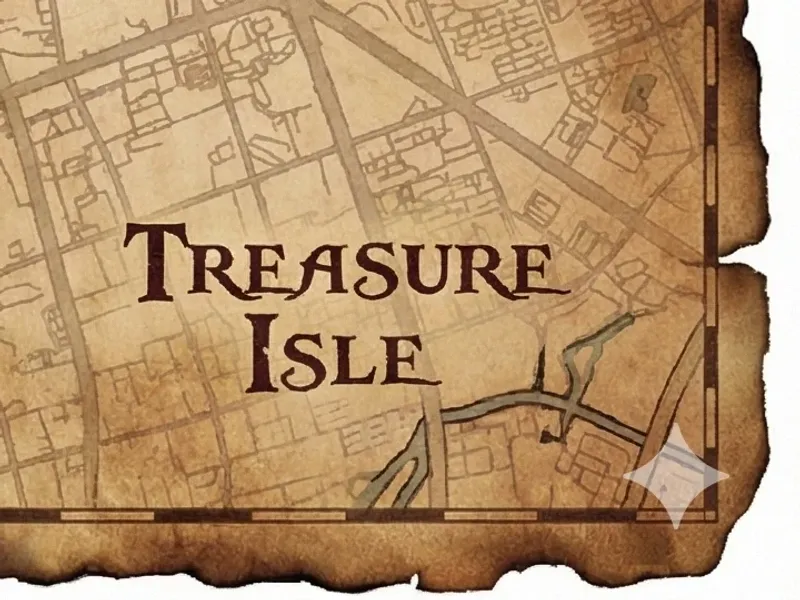
Remove the Gemini and Nano Banana sparkle logo from AI images.
A retro color palette or a blocky photo mosaic. Pick the effect you need.
Keep PNG transparency, fit a JPG, or rasterize a self-contained SVG.
Start with a size preset, then check the pixel dimensions required by your form.
Free desktop editors with layers, masks and real PSD files. We link only to official downloads, never repackaged installers.
An open-source, clean-room rebuild of Photoshop in Rust. Opens and saves layered PSD files.
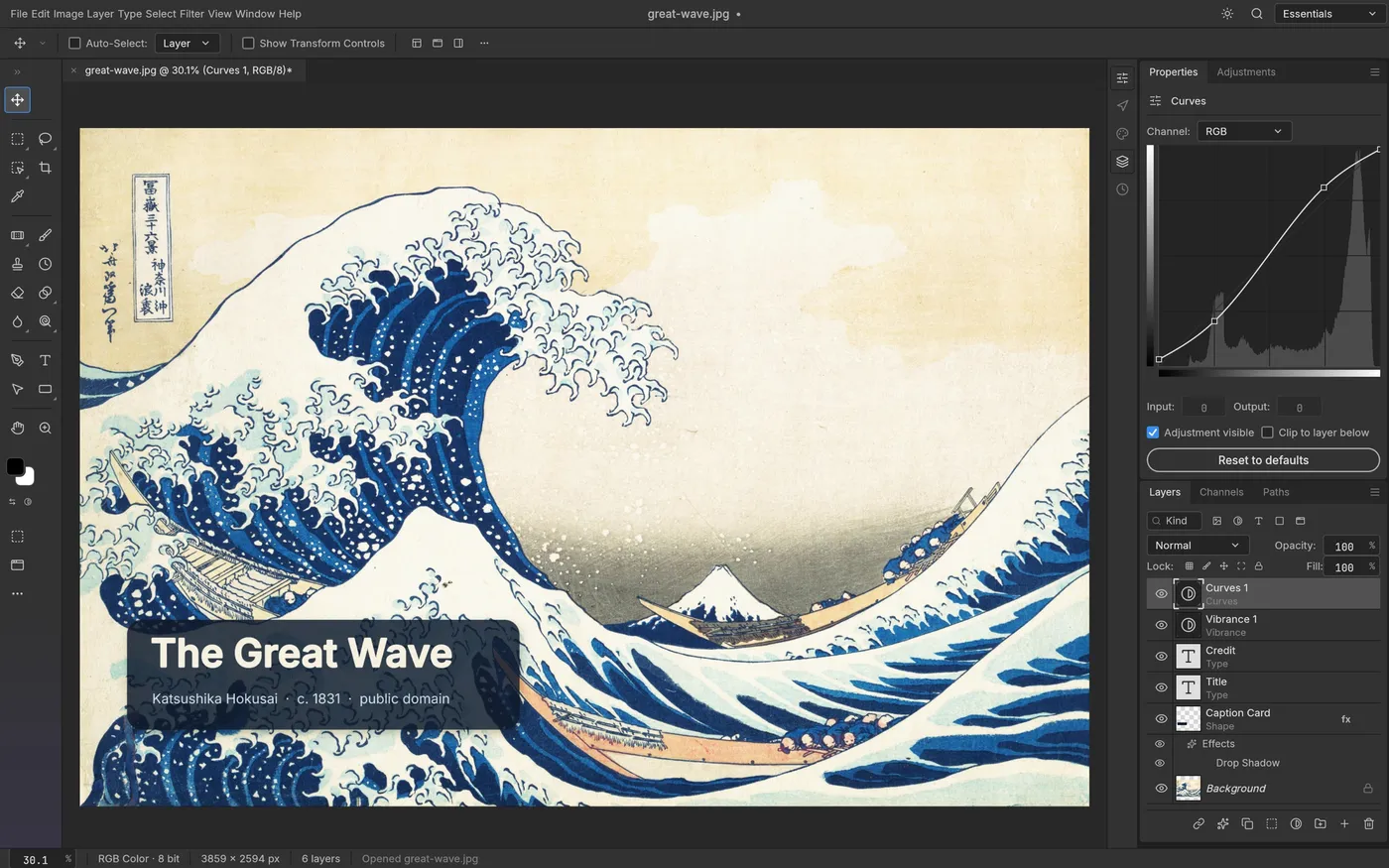
Free rebuilds of Lightroom, Illustrator, Premiere, Acrobat and more, from the team behind PhotoCraft.
See all apps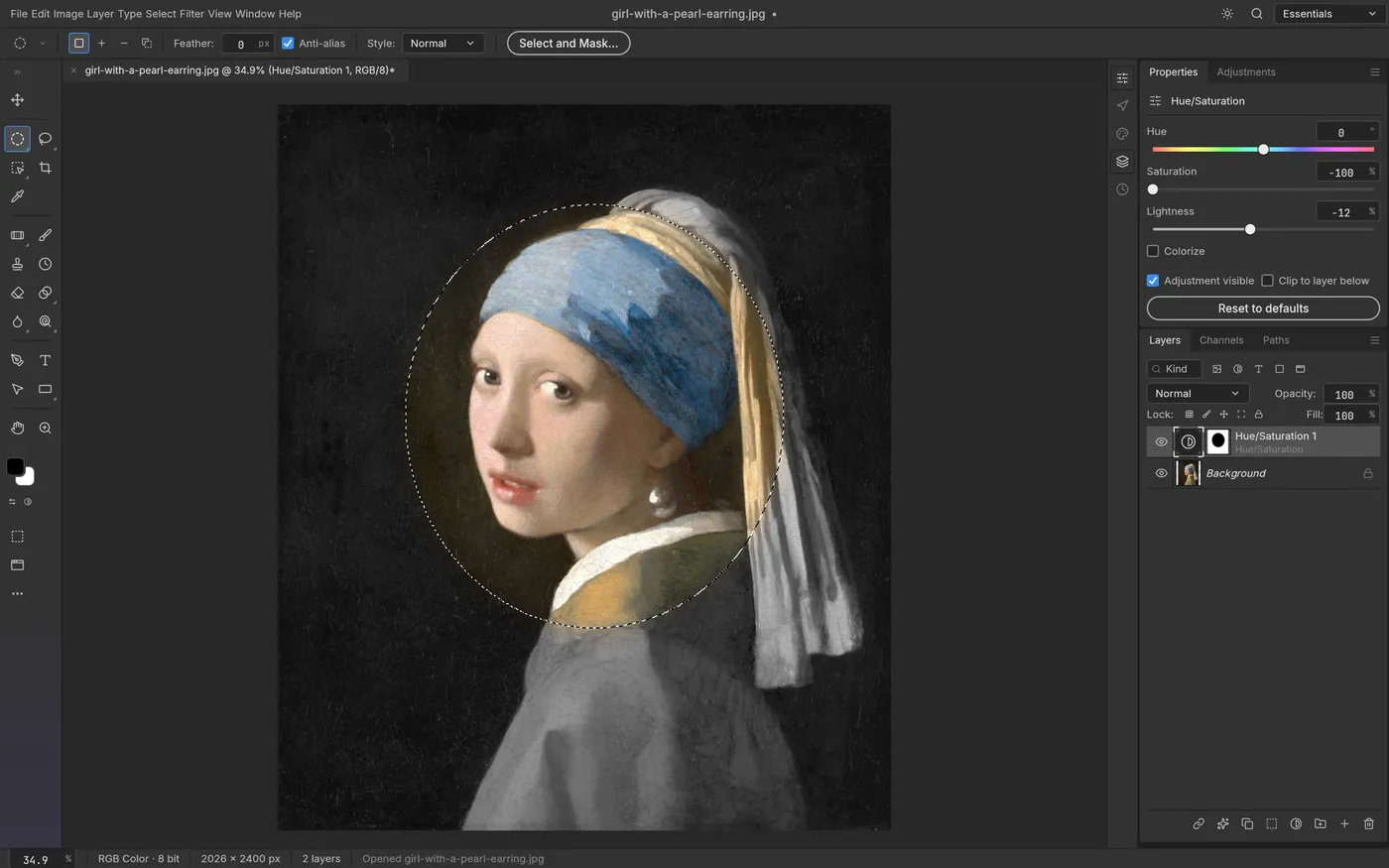
Clear steps, official sources, and the limits that matter before you edit or install.
Start with Gemini’s visible watermark setting, or process an image you already downloaded.
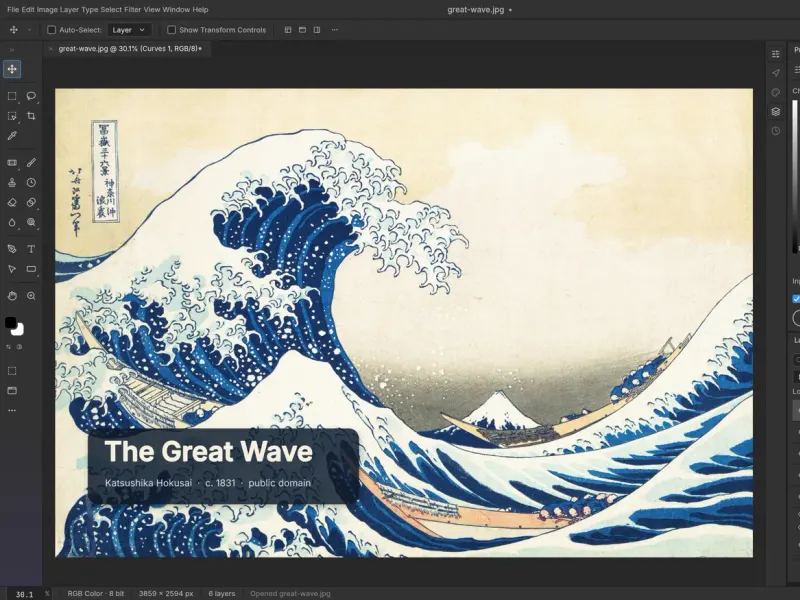
Compare editing workflows, PSD compatibility and the limits of an early-alpha editor.
Understand official downloads, checksums, signing and what open source can tell you.
Your browser does the work with JavaScript. Nothing is uploaded, so it is fast and private.
Yes. Every tool is free with no sign-up, no daily limit and no watermark added to your images. They run in your browser, so there is no server cost to pass on to you.
No. Your images are processed on your own device and never sent to our server. You can even disconnect from the internet after a tool page loads and it keeps working.
Yes. They work in current versions of Chrome, Safari, Edge and Firefox on phones, tablets and computers. Very large images process faster on a computer.
The examples use public-domain artworks from Wikimedia Commons (Hokusai, Vermeer, Van Gogh and NASA's Earthrise photo) and a sample image from the open-source gemini-watermark-remover project.
 ArtCraft Download
 Free Photoshop Alternatives